HOW TO USE
How to Access Widget

Opening the Widget
Click the ViewPoint3DEarth icon anytime to open the widget.

Reactivating the Widget
If the widget is disabled, simply click extension logo on your browser and select “Enable Widget.”
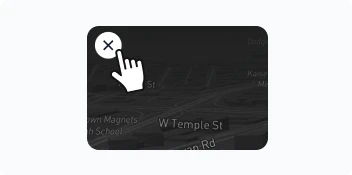
Closing the Widget
When you’re finished, click the X to close the widget.
ALL FEATURES
Explore All Possibilities
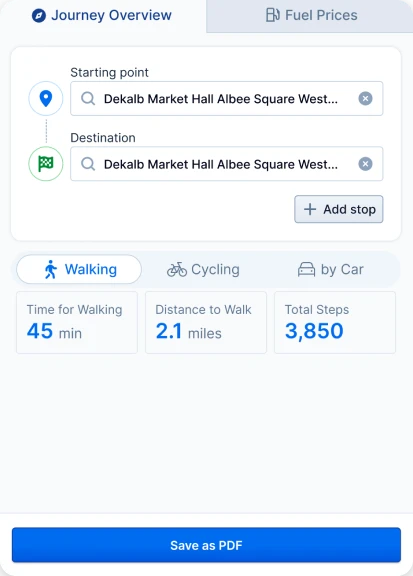
Save Your Trip as a PDF
Enter your start and end points, then save your route as a simple PDF to print or keep.
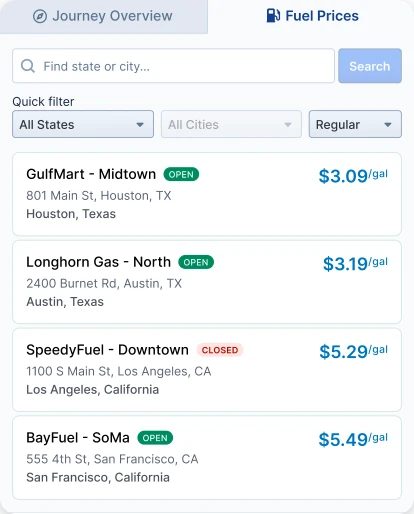
Nationwide Gas Prices
See current gas prices across the entire country to help you plan and save on fuel.
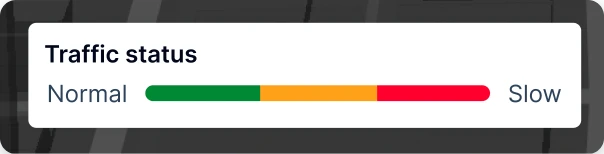
Live Traffic Status
See traffic at a glance—from light to heavy—so you can choose the best time to travel.